
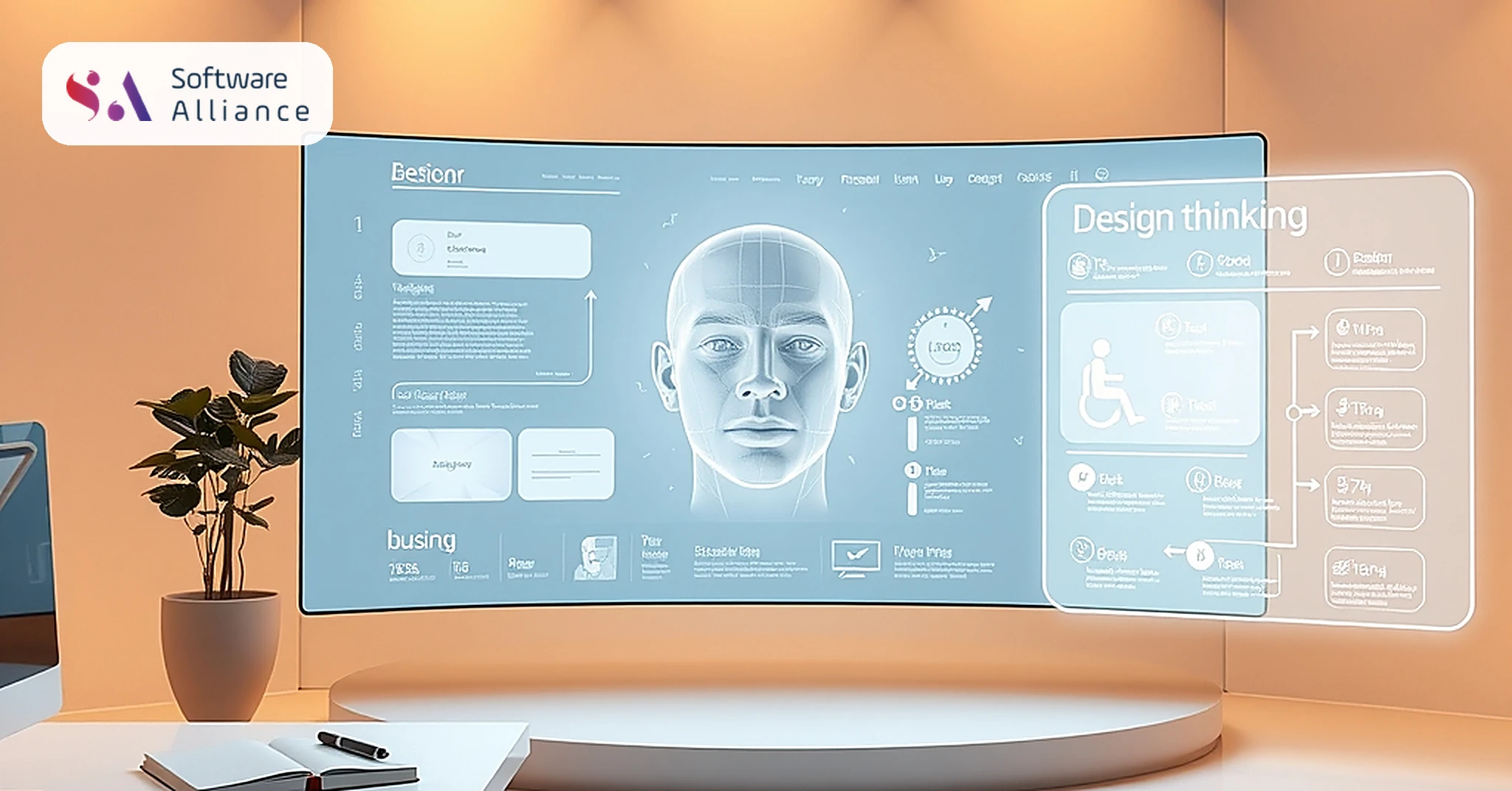
UI/UX Design Mastery
- By: Software Alliance
- Date: September 2, 2026
- Conduct thorough user research to inform design decisions
- Create user-centered designs that prioritize simplicity and clarity
- Test and iterate on designs to ensure usability and accessibility
Mastering UI/UX design is crucial for product success. Learn how to create user-centered designs.
Introduction to UI/UX Design
UI/UX design is a crucial aspect of product development, as it determines how users interact with and experience a product. A well-designed UI/UX can make a product intuitive, easy to use, and enjoyable, while a poorly designed one can lead to frustration and abandonment. In this article, we will explore the principles and best practices of UI/UX design, and provide tips and techniques for creating user-centered designs. We will delve into the importance of user research, the principles of UI and UX design, and the role of design thinking and accessibility in creating successful products.
The Importance of User Research
User research is a critical component of UI/UX design, as it helps designers understand the needs, goals, and behaviors of their target audience. Conducting thorough user research involves gathering data through surveys, interviews, and usability testing, and analyzing it to identify patterns and trends. This information can then be used to inform design decisions and create a product that meets the needs of its users. For example, a company like Airbnb might conduct user research to understand the needs and preferences of its users, such as their travel habits, accommodation preferences, and pain points when booking a trip. This research can help Airbnb design a user-friendly website and mobile app that meets the needs of its users.
Types of User Research
There are several types of user research, including: * Quantitative research: involves collecting and analyzing numerical data through surveys and analytics tools. For instance, a survey might ask users to rate their satisfaction with a product or service on a scale of 1-5. * Qualitative research: involves collecting and analyzing non-numerical data through interviews and usability testing. For example, a usability test might involve observing users as they interact with a product to identify areas of confusion or difficulty. * Ethnographic research: involves observing users in their natural environment to gain a deeper understanding of their behaviors and habits. This type of research can provide valuable insights into how users interact with products in real-life situations.
Conducting User Research
Conducting user research involves several steps, including: 1. Defining the research goals and objectives 2. Identifying the target audience and recruiting participants 3. Developing a research plan and methodology 4. Collecting and analyzing data 5. Interpreting and presenting the findings
Some popular tools for conducting user research include: * SurveyMonkey for creating and distributing surveys * UserTesting for conducting usability testing and remote interviews * Ethnio for conducting ethnographic research and observing users in their natural environment
Principles of UI Design
UI design focuses on the visual aspects of a product, including the layout, typography, color scheme, and imagery. A well-designed UI should be visually appealing, easy to navigate, and consistent in its design elements. Some key principles of UI design include: * Clarity: the design should be easy to understand and navigate. This can be achieved by using clear and concise language, simple and intuitive navigation, and a minimalistic design approach. * Consistency: the design should be consistent in its elements and layout. This can be achieved by using a consistent color scheme, typography, and imagery throughout the product. * Hierarchy: the design should have a clear hierarchy of information and visual elements. This can be achieved by using size, color, and position to create a visual hierarchy that guides the user's attention.
Best Practices for UI Design
Some best practices for UI design include: * Using a clear and consistent typography, such as Open Sans or Montserrat * Selecting a color scheme that is visually appealing and accessible, such as a palette of blues and whites * Using imagery and graphics to enhance the user experience, such as icons and illustrations * Testing and iterating on the design to ensure usability and accessibility, using tools like Sketch or Figma
Designing for Different Devices and Screen Sizes
UI design should also take into account the different devices and screen sizes that users will be using to interact with the product. This includes: * Designing for mobile devices, such as smartphones and tablets * Designing for desktop devices, such as laptops and desktop computers * Designing for other devices, such as smartwatches and TVs * Using responsive design to ensure that the product adapts to different screen sizes and devices
Some popular tools for designing and testing UI include: * Sketch for designing and prototyping UI * Figma for designing and collaborating on UI * Adobe XD for designing and testing UI
Principles of UX Design
UX design focuses on the overall user experience and interaction with a product. A well-designed UX should be intuitive, easy to use, and enjoyable. Some key principles of UX design include: * User-centered design: the design should be centered around the needs and goals of the user. This can be achieved by conducting thorough user research and using the findings to inform design decisions. * Simple and intuitive: the design should be easy to use and understand. This can be achieved by using simple and consistent navigation, clear and concise language, and a minimalistic design approach. * Consistent and predictable: the design should be consistent in its behavior and predictable in its outcomes. This can be achieved by using a consistent design language, providing clear feedback and errors, and using animation and transitions to enhance the user experience.
Best Practices for UX Design
Some best practices for UX design include: * Conducting thorough user research to inform design decisions * Creating a clear and consistent information architecture, using tools like MindMeister or Coggle * Testing and iterating on the design to ensure usability and accessibility, using tools like UserTesting or TryMyUI * Using design thinking and human-centered design principles to guide the design process
Creating a User Journey Map
A user journey map is a visual representation of the user's experience with a product, from the initial interaction to the final outcome. Creating a user journey map can help designers identify areas of improvement and optimize the user experience. Some steps to create a user journey map include: 1. Identifying the user's goals and motivations 2. Mapping out the user's interactions with the product 3. Identifying pain points and areas of improvement 4. Developing solutions to address the pain points and improve the user experience
Some popular tools for creating user journey maps include: * MindMeister for creating and collaborating on user journey maps * Coggle for creating and sharing user journey maps * Adobe XD for creating and testing user journey maps
The Role of Design Thinking in UI/UX Design
Design thinking is a problem-solving approach that involves empathizing with users, defining problems, ideating solutions, prototyping, and testing. It is a key component of UI/UX design, as it helps designers create user-centered designs that meet the needs of their target audience. Some benefits of design thinking include: * Increased empathy and understanding of users * Improved creativity and innovation * Enhanced collaboration and communication among team members
The Design Thinking Process
The design thinking process involves several steps, including: 1. Empathize: understanding the user's needs and goals 2. Define: defining the problem and identifying opportunities for improvement 3. Ideate: generating ideas and solutions 4. Prototype: creating a prototype of the solution 5. Test: testing and refining the solution
Some popular tools for design thinking include: * Mural for collaborating and ideating on design solutions * Google Jamboard for brainstorming and ideating on design solutions * InVision for prototyping and testing design solutions
The Importance of Accessibility in UI/UX Design
Accessibility is a critical aspect of UI/UX design, as it ensures that products are usable by people with disabilities. Some key principles of accessible design include: * Perceivable: the design should be easy to perceive and understand. This can be achieved by using clear and consistent typography, high contrast colors, and providing alternative text for images. * Operable: the design should be easy to operate and navigate. This can be achieved by using simple and consistent navigation, providing clear feedback and errors, and using keyboard-only navigation. * Understandable: the design should be easy to understand and use. This can be achieved by using clear and concise language, providing clear instructions and feedback, and using a consistent design language. * Robust: the design should be robust and compatible with different devices and browsers. This can be achieved by using responsive design, testing for accessibility, and using accessibility guidelines and standards.
Best Practices for Accessibility
Some best practices for accessibility include: * Using accessibility guidelines and standards, such as the Web Content Accessibility Guidelines (WCAG) * Testing for accessibility, using tools like WAVE or Lighthouse * Providing alternative text for images and other non-text content * Using high contrast colors and clear typography
Accessibility Tools and Resources
Some popular tools and resources for accessibility include: * WAVE for testing and evaluating accessibility * Lighthouse for testing and evaluating accessibility * Accessibility Guidelines for designing and developing accessible products * WebAIM for providing accessibility training and resources
The Future of UI/UX Design
The future of UI/UX design is exciting and rapidly evolving. With the rise of new technologies like artificial intelligence, virtual reality, and augmented reality, designers will need to adapt and innovate to create user-centered designs that meet the needs of their target audience. Some trends to watch in the future of UI/UX design include: * Increased use of AI and machine learning in design * More emphasis on accessibility and inclusive design * Greater focus on user experience and user-centered design * More use of virtual and augmented reality in design
Conclusion
Mastering UI/UX design is crucial for product success, as it determines how users interact with and experience a product. By conducting thorough user research, creating user-centered designs, and testing and iterating on designs, designers can create products that are intuitive, easy to use, and enjoyable. At Software Alliance, our team of expert designers can help you create user-centered designs that meet the needs of your target audience and drive business success. Whether you're looking to improve your existing product or create a new one, our team can provide the expertise and guidance you need to succeed in the world of UI/UX design. Contact us today to learn more about how we can help you achieve your design goals.
Frequently Asked Questions
What is the difference between UI and UX design?
UI design focuses on the visual aspects of a product, while UX design focuses on the overall user experience and interaction with the product.
Vamos a discutir lo perfectosolución tecnológica!
Póngase en contacto con nosotros ahora para iniciar su proyecto con confianza y precisión — ¡su éxito está a sólo un paso!